
In this video, you will learn how to manage the listing unit card options in WpRentals Theme
Watch Video on Youtube
The Listing Card Design section is managed from Theme Options -> Listing Card Design. This section allows you to manage the following options:
- Listing Card Settings
- Listing Card Design
- Listing Card Image Settings
Listing Card Settings

In this section you can control:
- Open title link to property page in new window? -> Choose YES or NO.
- This option allows the property to open in a new tab when users click on the image or title in any property list.
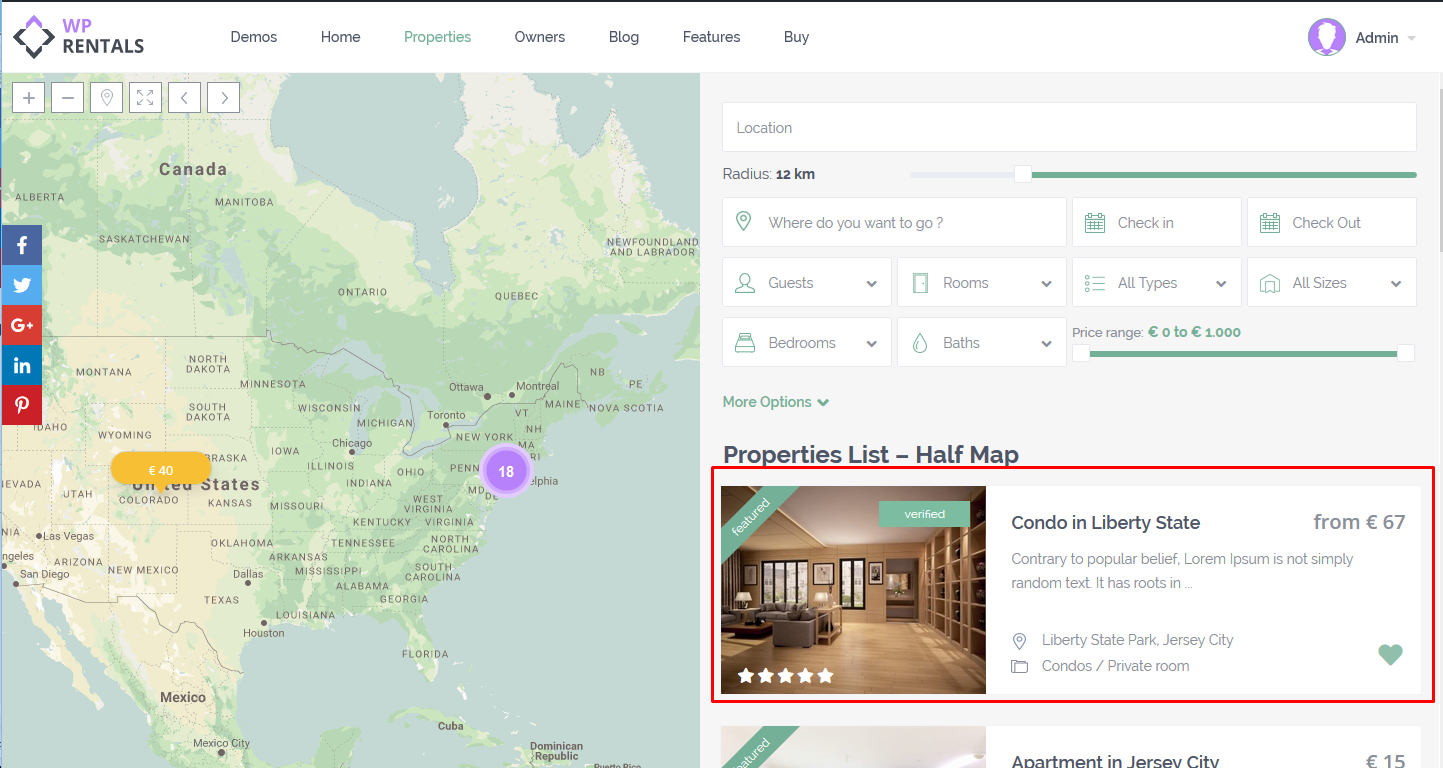
- Listing Unit Style for Half Map -> Choose between List or Grid.
- This option allows you to change the layout of the property card unit in Properties List Half Map template or Advanced Search Results Half Map Template
Example
Listing Card Design

In this section you control
- Listing Unit Type: Choose between Type 1, Type 2, Type 3, or Type 4.
- Custom Fields for Unit Type 3
Design for Listing Unit type 1:
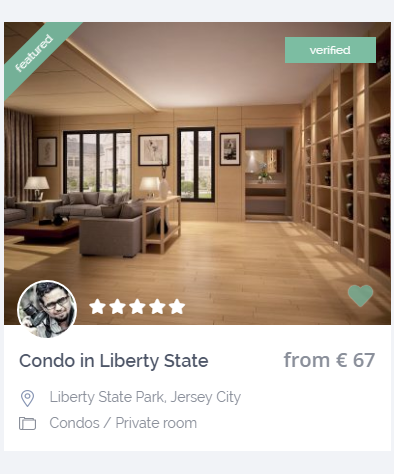
Design for Listing Unit Type 2:
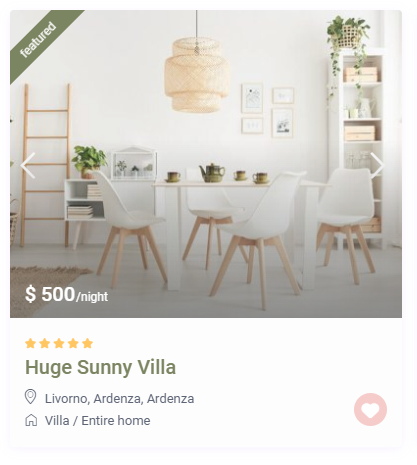
Design for Listing Unit Type 3 (with Custom Fields enabled)
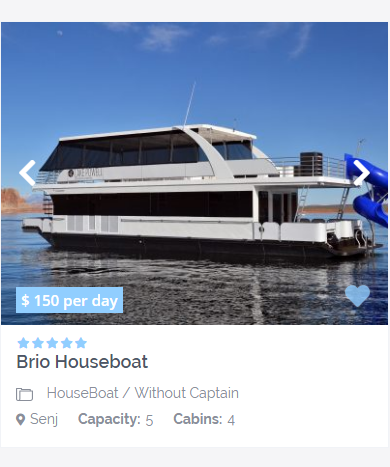
Design for Listing Unit Type 4
Listing Card Image Settings

In this section you control:
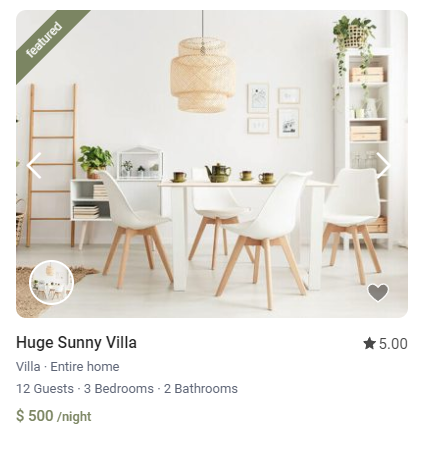
- Use Slider in Listing Unit? –> Choose YES or NO.
- If you choose YES, you can set the number of images displayed in the card unit below.
NOTE – This option does not apply to the Featured Property Widget or the Recent Items Shortcode with no space between card units.