
In WPRentals, orphan listings are incomplete listings created when a visitor starts the listing submission process but does not finish it.
This can happen when a non-logged-in visitor clicks the Submit button, starts adding listing details, but does not complete the login or registration step required to finish the submission.
What Are Orphan Listings?
An orphan listing is a listing that was started from the front-end submission form but was not completed by a logged-in user.
Usually, this happens when:
- a visitor starts submitting a listing before logging in
- the visitor fills in part of the form
- the listing information starts being saved
- the visitor does not complete login or registration
- the listing remains incomplete and is not connected correctly to a completed submission
These listings are considered orphan listings because the submission was started, but the user did not finish the process.
How Orphan Listings Are Created
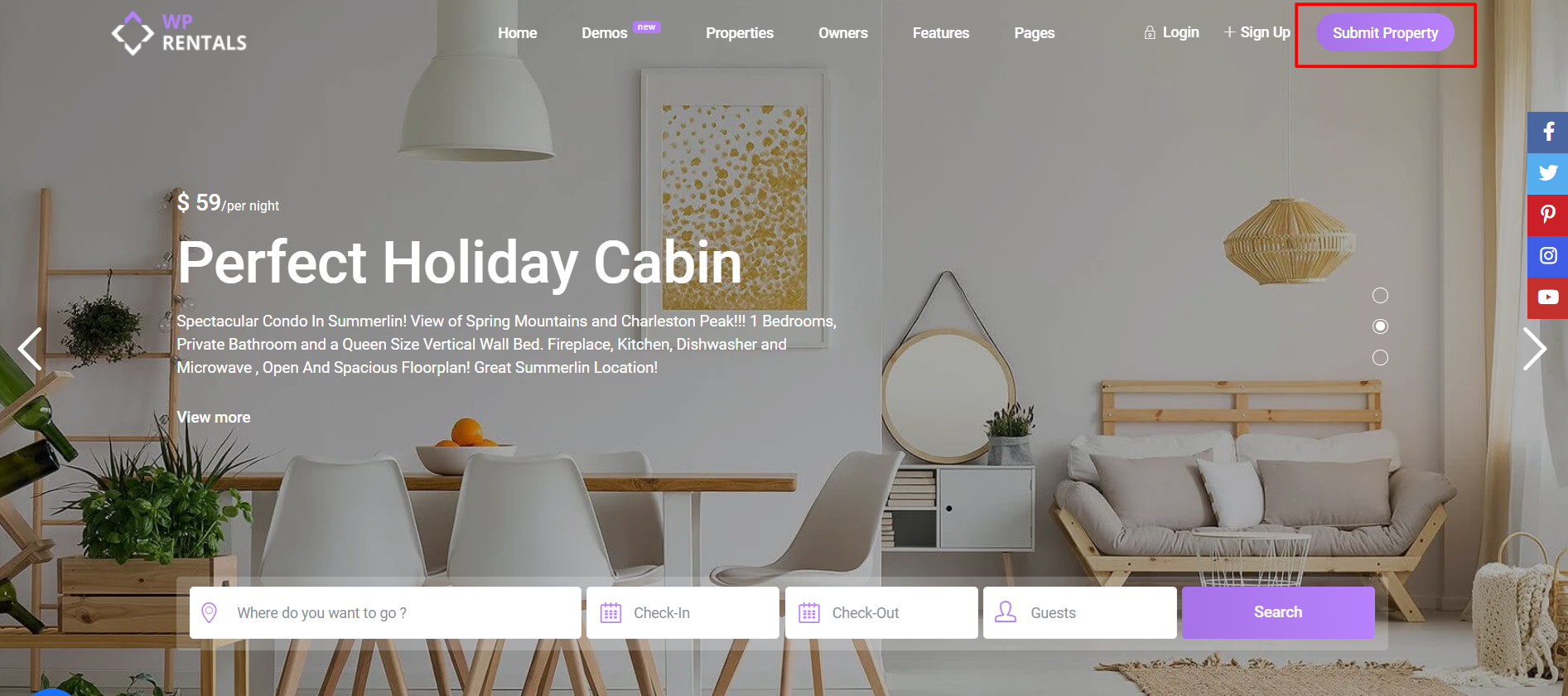
Non-logged-in visitors can start the listing submission process if the Submit button is available in the menu or header.
When the visitor clicks the submit button, they can access the listing submission form.
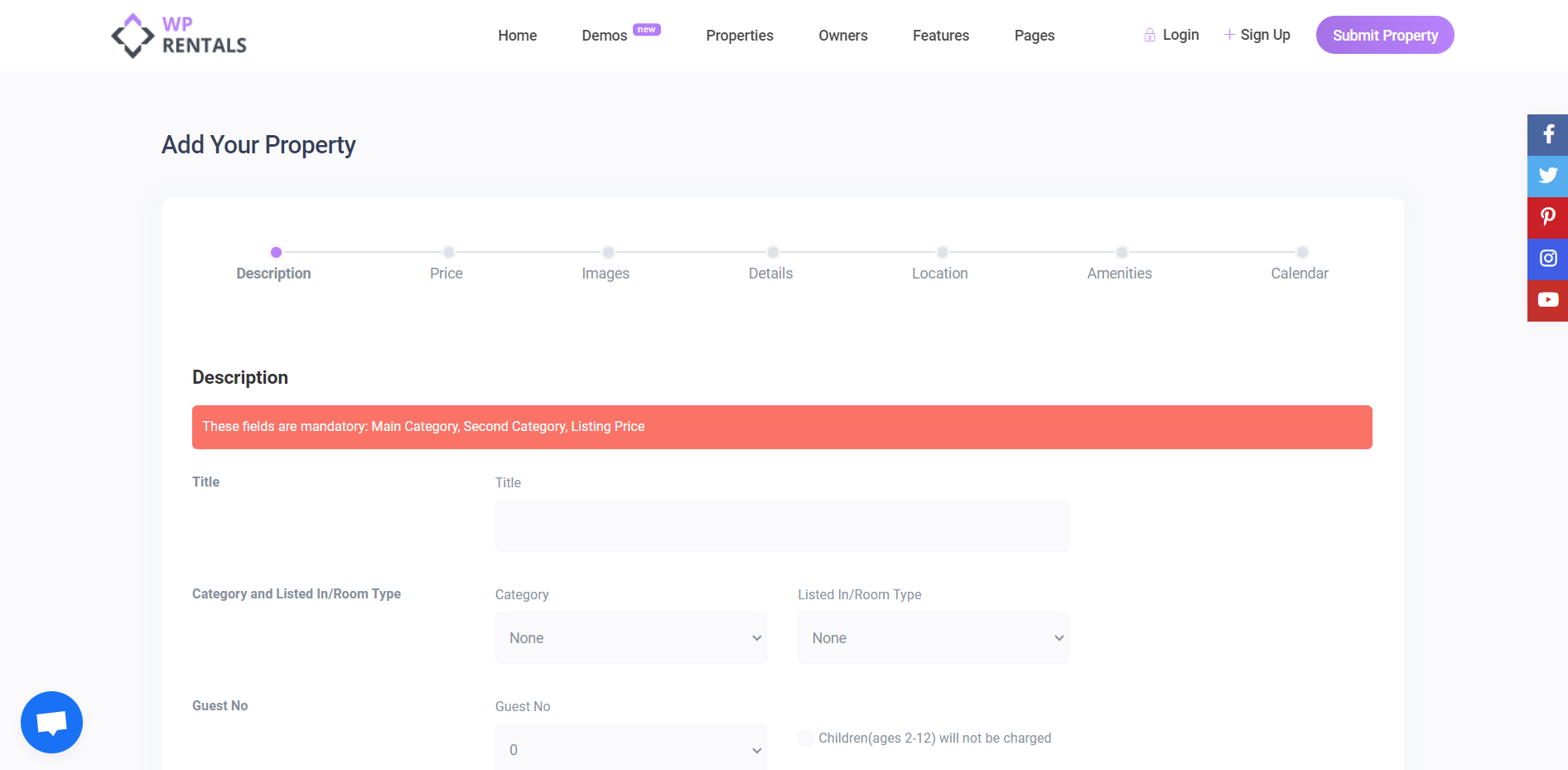
The listing information can start being saved after the visitor fills in the Description section.
To complete the listing submission, the visitor must log in or register.
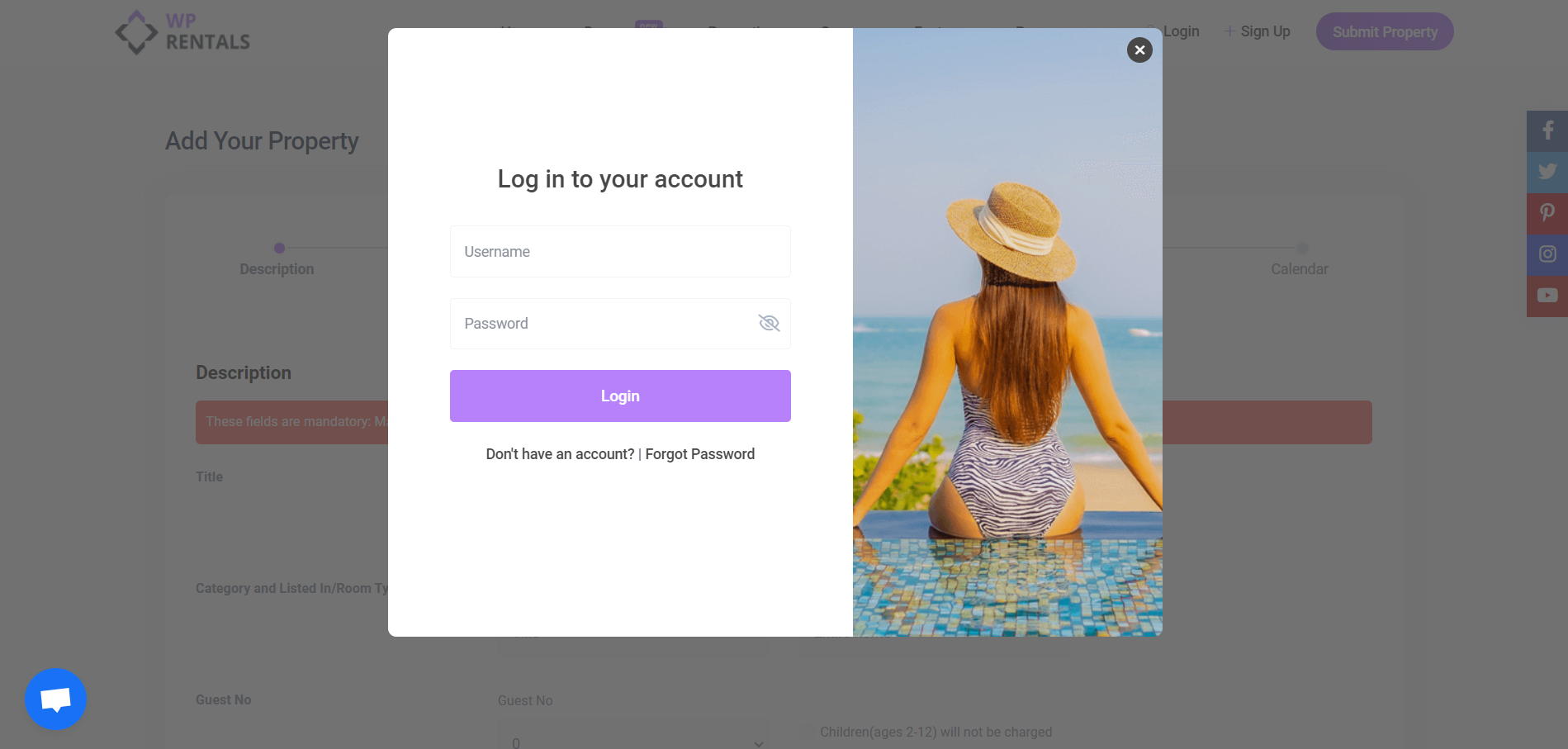
If the visitor does not complete login or registration, the listing remains incomplete and becomes an orphan listing.
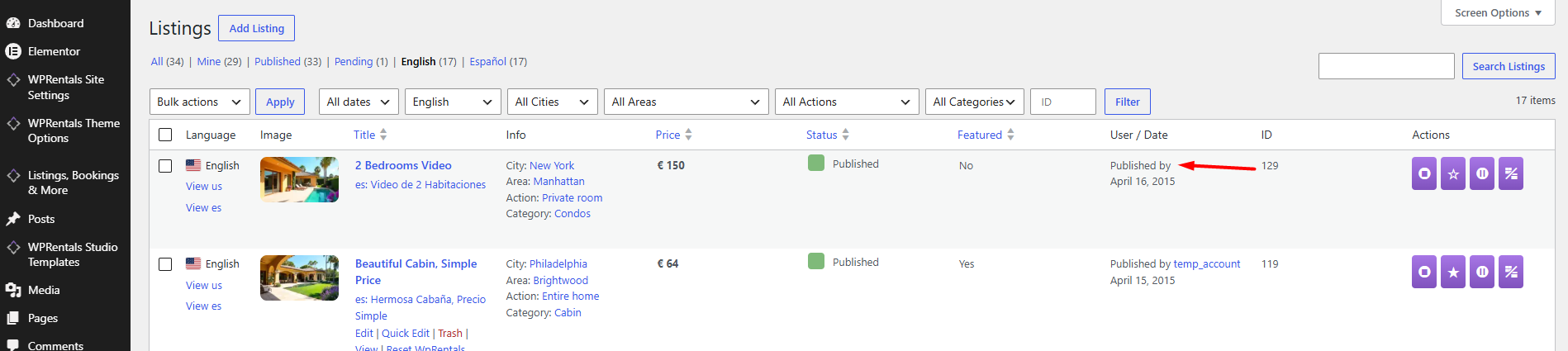
Submit Button for Non-Logged-In Users
If you do not want non-logged-in visitors to start the listing submission process, you can hide the submit option from the header or menu.
This is recommended when:
- only the site admin should add listings
- only selected owners should add listings
- you do not want visitors to start unfinished submissions
- you want to reduce orphan listings
Auto Delete Orphan Listings Option
WPRentals includes an option to automatically delete orphan listings.
Go to:
Theme Options > General > Orphan Listings
Find:
Auto delete orphan listings?
If Auto Delete Orphan Listings is set to YES
- Orphan listings are deleted automatically.
- The cleanup is handled by a scheduled cron job.
- The cron job runs once per day.
- This helps remove incomplete listings started by visitors who did not finish registration or login.
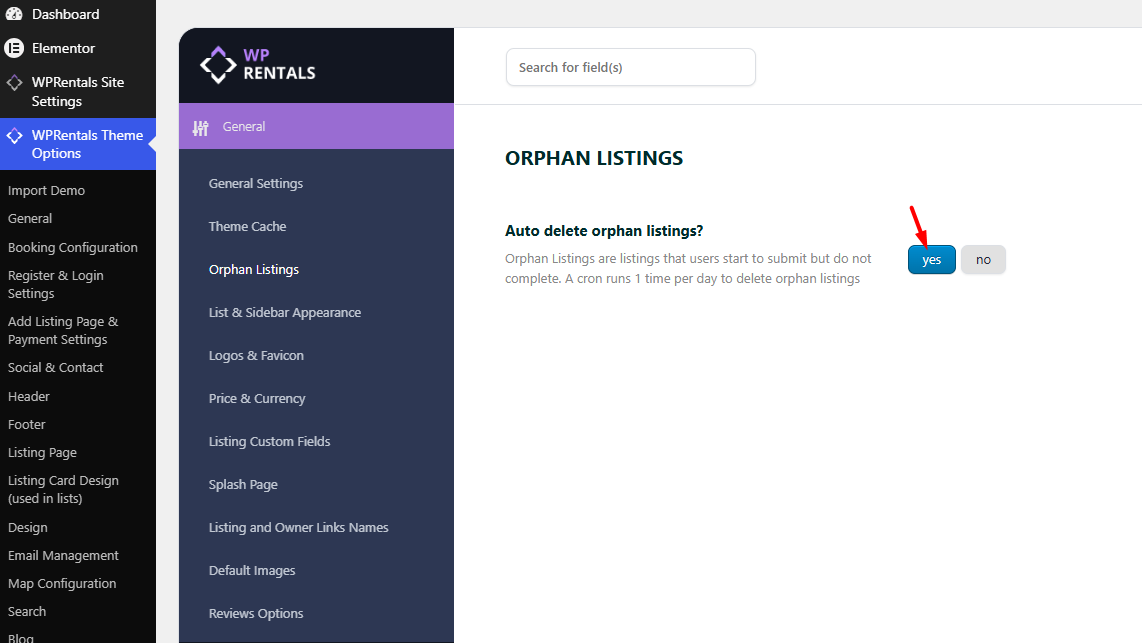
If Auto Delete Orphan Listings is set to NO
- Orphan listings are not deleted automatically.
- Incomplete listings may remain saved in the website database.
- The admin must review or delete them manually if needed.
To prevent orphan listings from being deleted automatically, set:
Theme Options > General > Orphan Listings > Auto delete orphan listings? > No

How to Prevent Orphan Listings
To reduce orphan listings, use one or more of these options:
- Hide the Submit button if public users should not submit listings.
- Allow only selected users to submit listings.
- Ask users to register or log in before submitting listings.
- Keep Auto delete orphan listings? set to YES if you want incomplete submissions removed automatically.
Important Notes
- Orphan listings are created when a listing submission is started but not completed.
- This usually happens when a non-logged-in visitor starts the submit form and does not finish login or registration.
- The listing information can start being saved after the Description section is filled.
- If the user completes login or registration, the submission can continue normally.
- If the user leaves before completing the process, the listing can remain as an orphan listing.
- When auto delete is enabled, orphan listings are deleted by a daily cron job.
- Set auto delete to NO only if you want to keep orphan listings and review them manually.