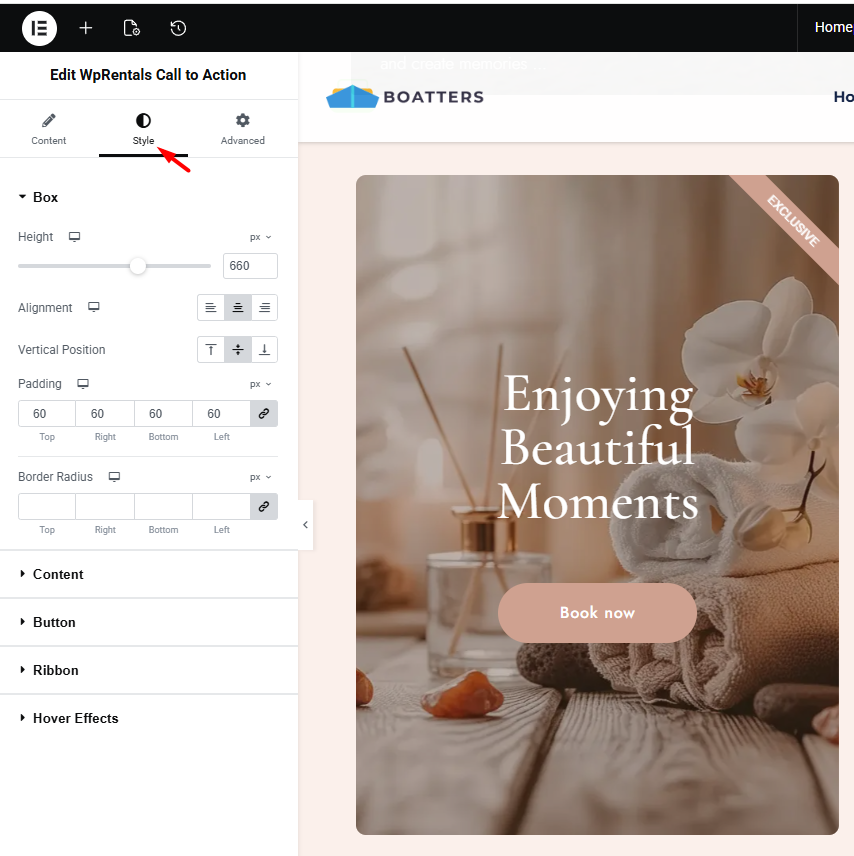
The Call to Action widget is available for Elementor and can be used on any page built with Elementor in the WPRentals theme.

The widget can be added to the page using the standard drag and drop method.
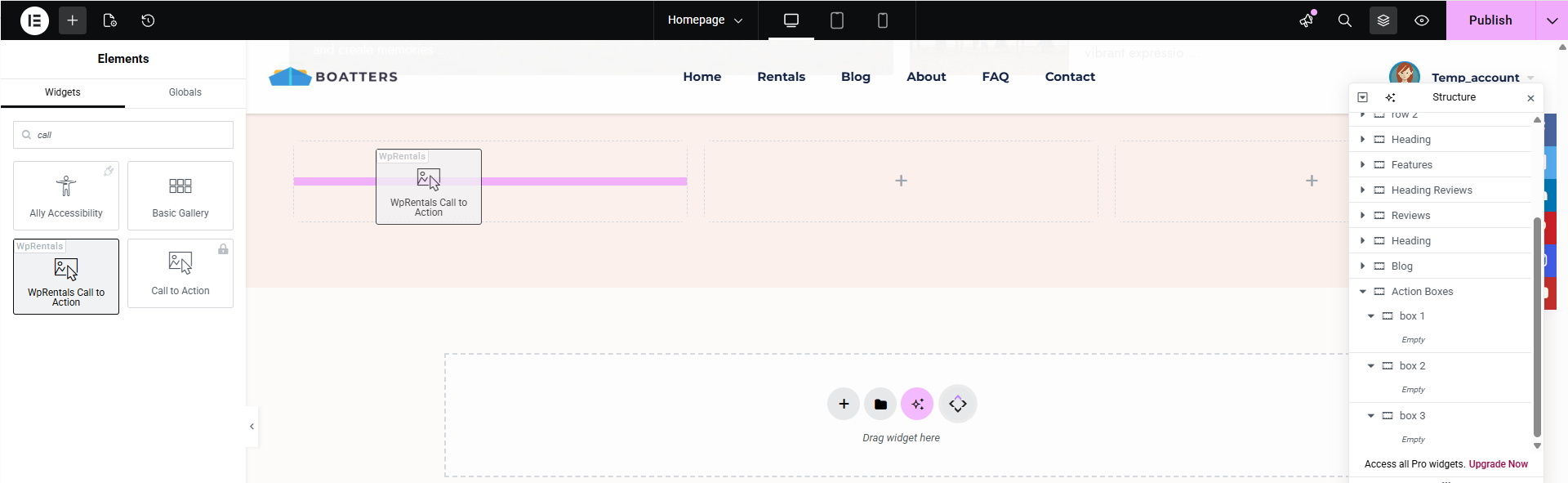
The Call to Action widget includes three main sections:
- Image
- Content
- Ribbon
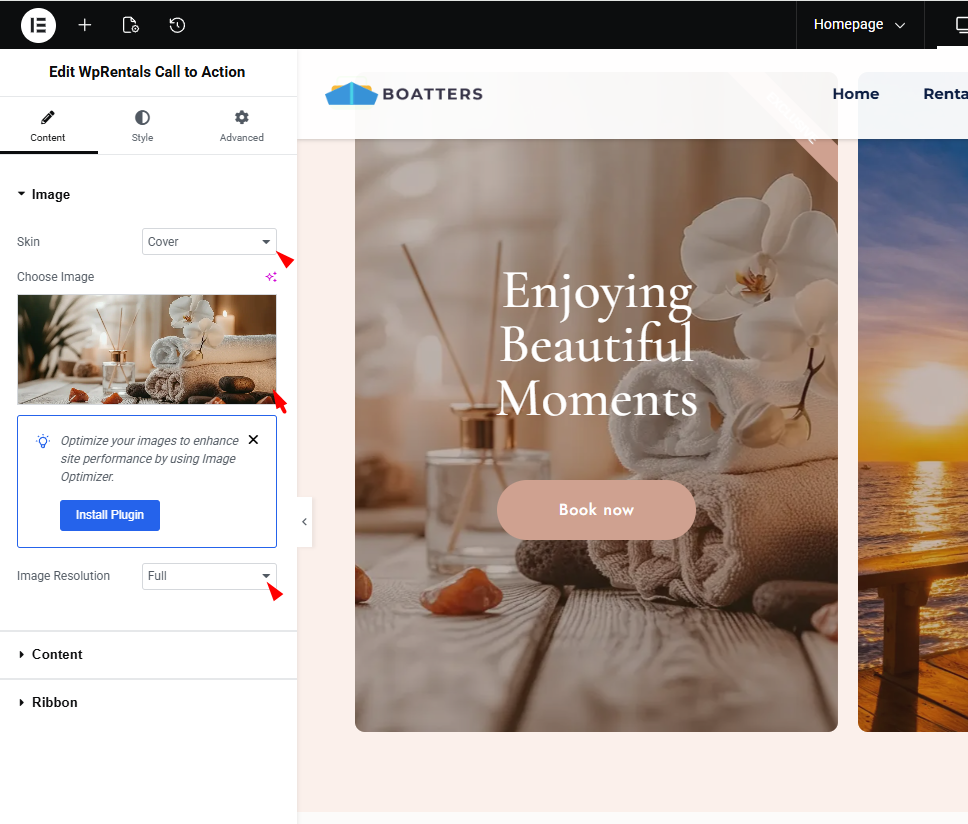
Image section
In the Image section, you can upload the image displayed inside the widget, choose the skin, and control the image size.
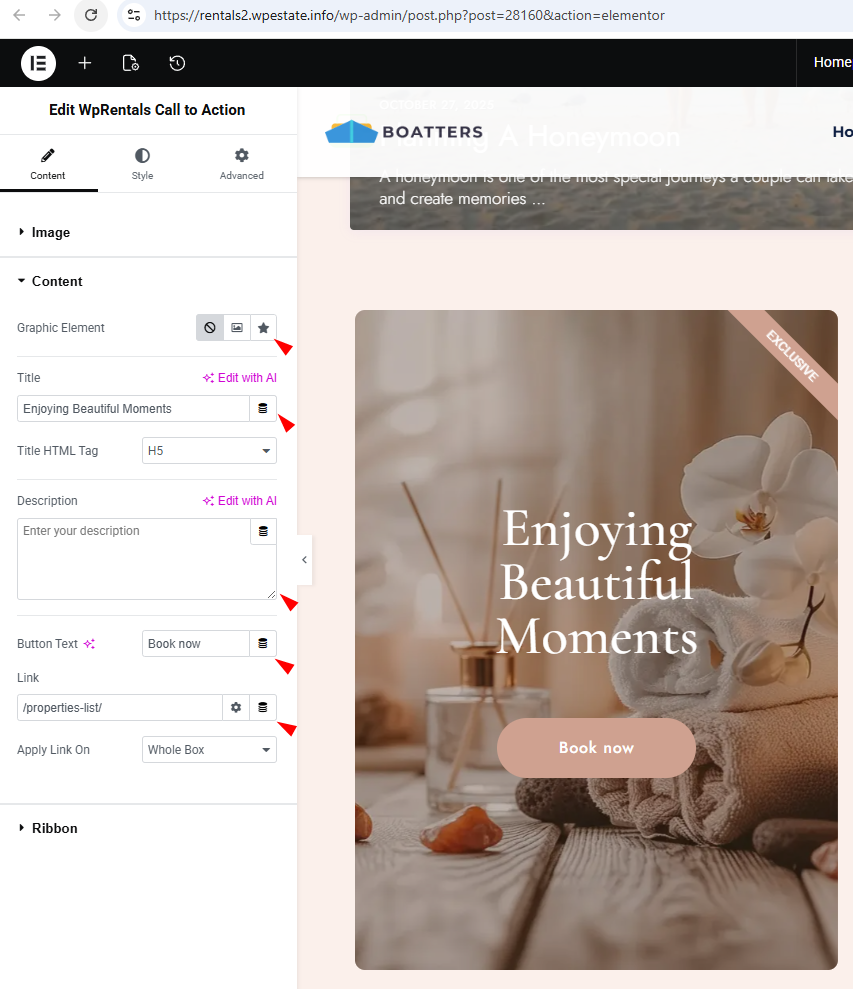
Content section
In the Content section, you can configure the main elements of the box, such as the text, button label, button link, and related settings.
Ribbon section
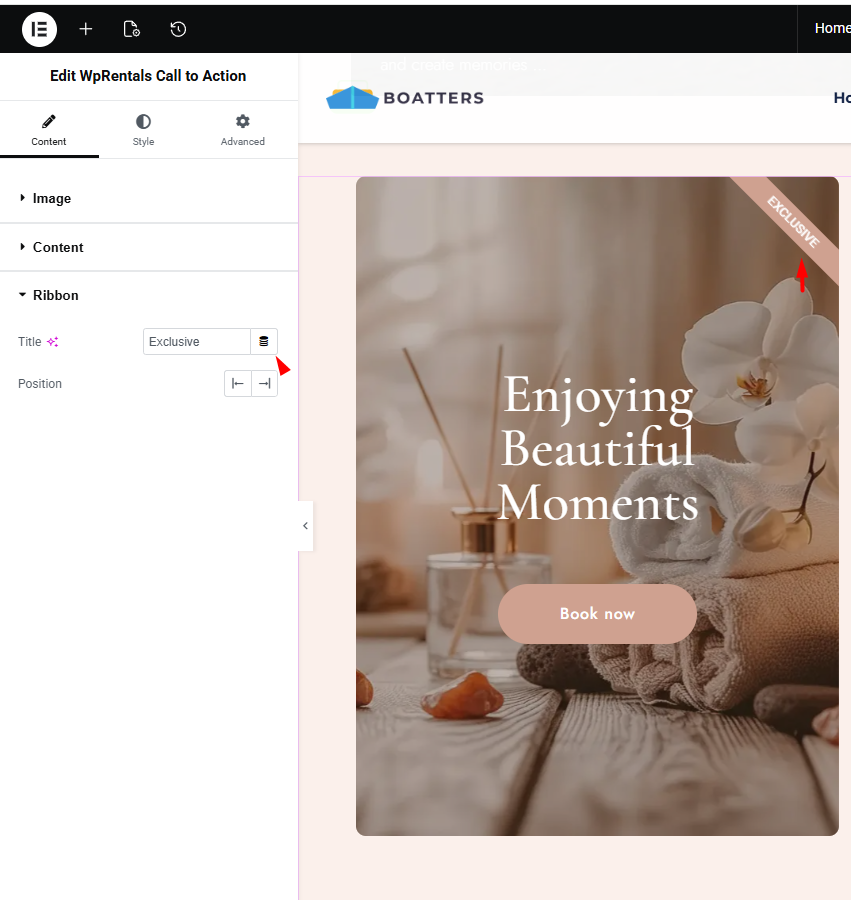
The Ribbon section allows you to add a label that is displayed on top of the Call to Action box.
Style section
In the Style tab, you can customize the visual appearance of the widget, including box height, colors, typography, and hover effects.