
If the current month is missing from the WPRentals calendar, the issue can be related to the WordPress timezone and server timezone not matching correctly.
This can affect both the owner dashboard calendar and the frontend availability calendar.
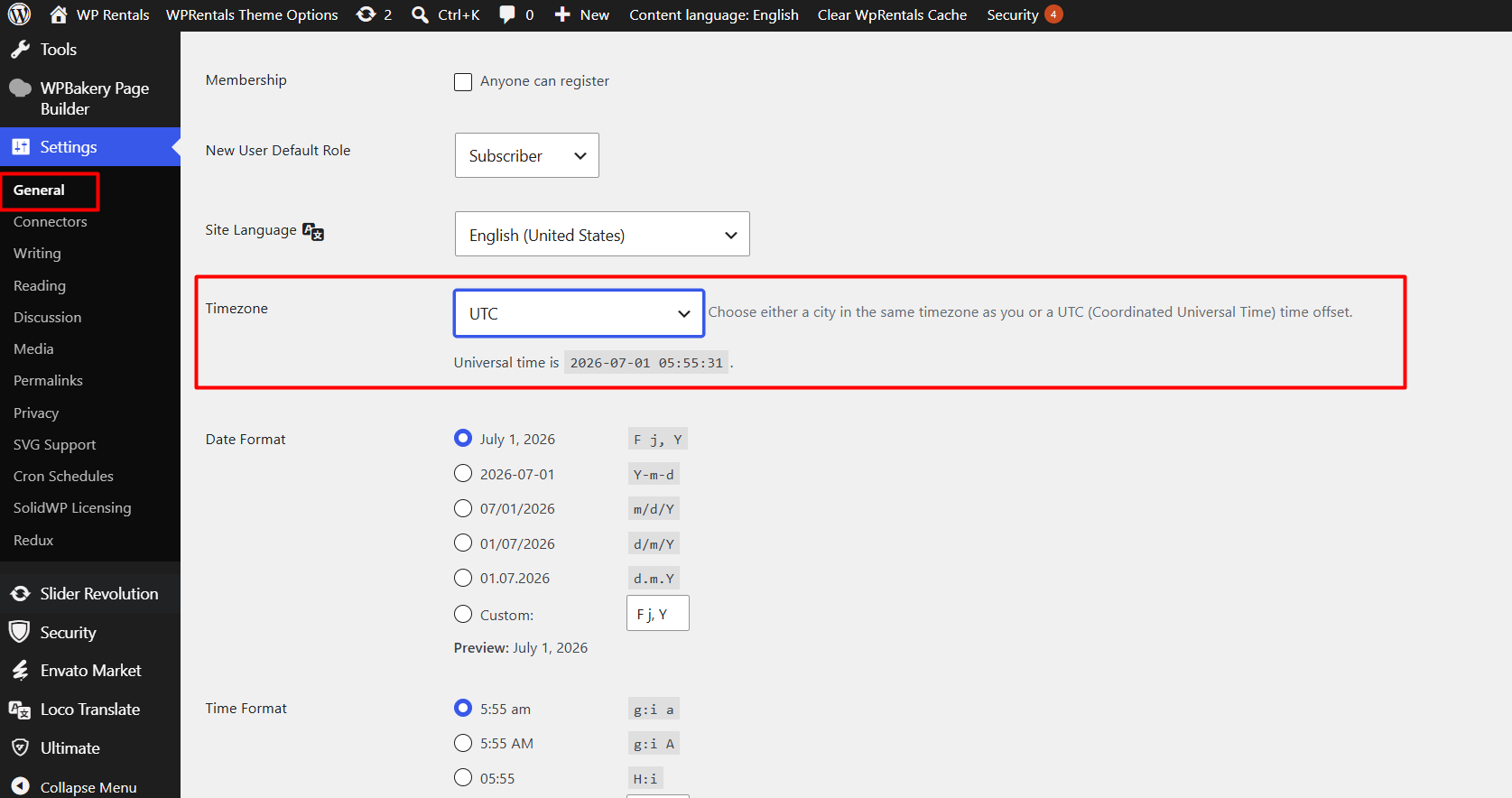
Check the WordPress Timezone
Go to:
WP-Admin → Settings → General → TimezoneMake sure the timezone is set to UTC – Universal Timezone.
Ask Hosting to Check the Server Timezone
Please ask your hosting provider to confirm that the PHP/server timezone is also set to the universal timezone.
The server value is usually called:
date.timezoneIf the WordPress timezone and server/PHP timezone do not match correctly, the calendar may skip or display the current month incorrectly.