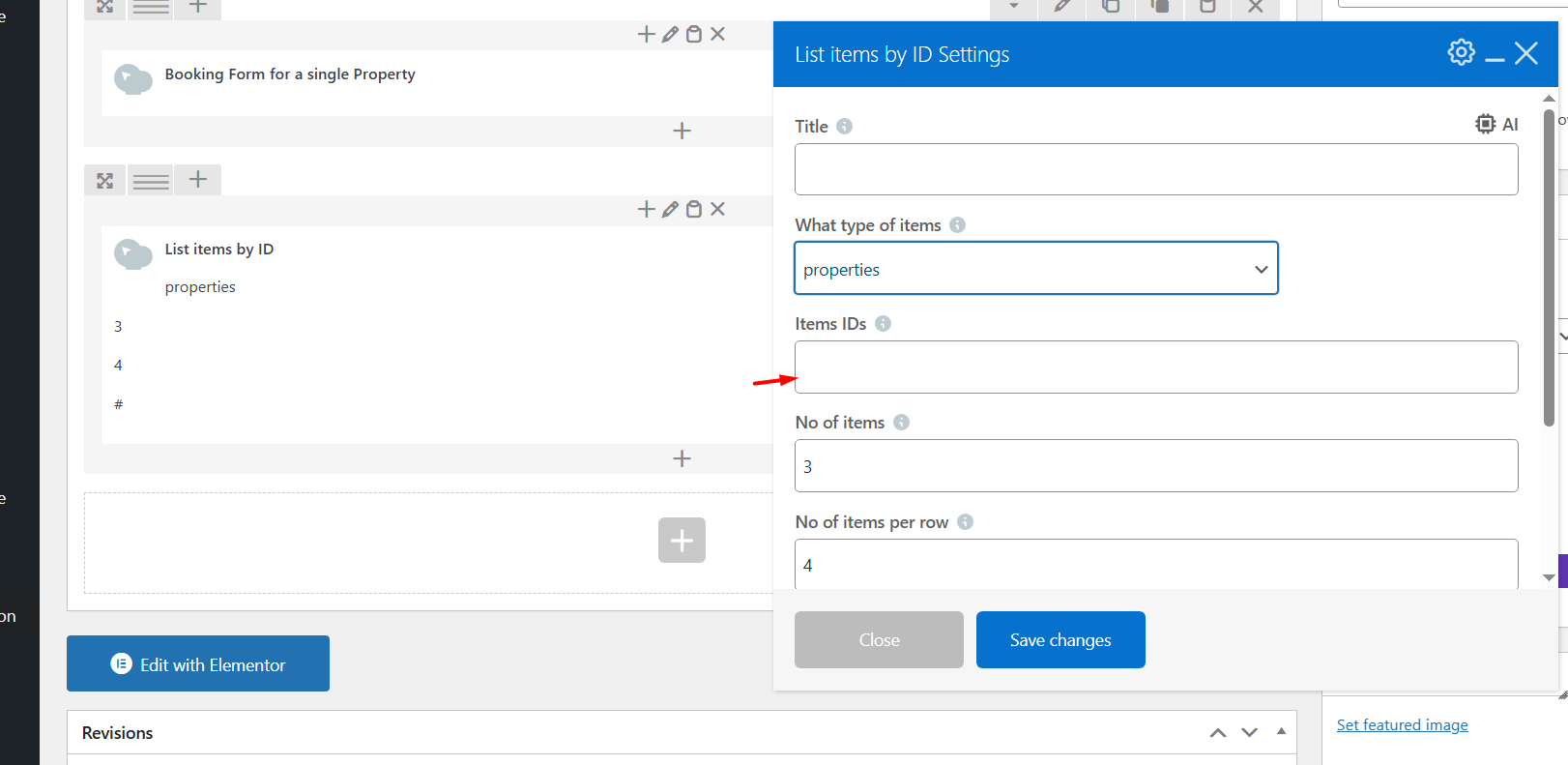
The WpRentals “List Items by ID” shortcode allows you to display specific properties or articles anywhere on your site, by simply entering their IDs.
How to add the widget in Elementor
Edit Page with Elementor
-
Go to the page where you want to add the categories grid (like your homepage).
-
Click “Edit with Elementor.”
Add the Widget
-
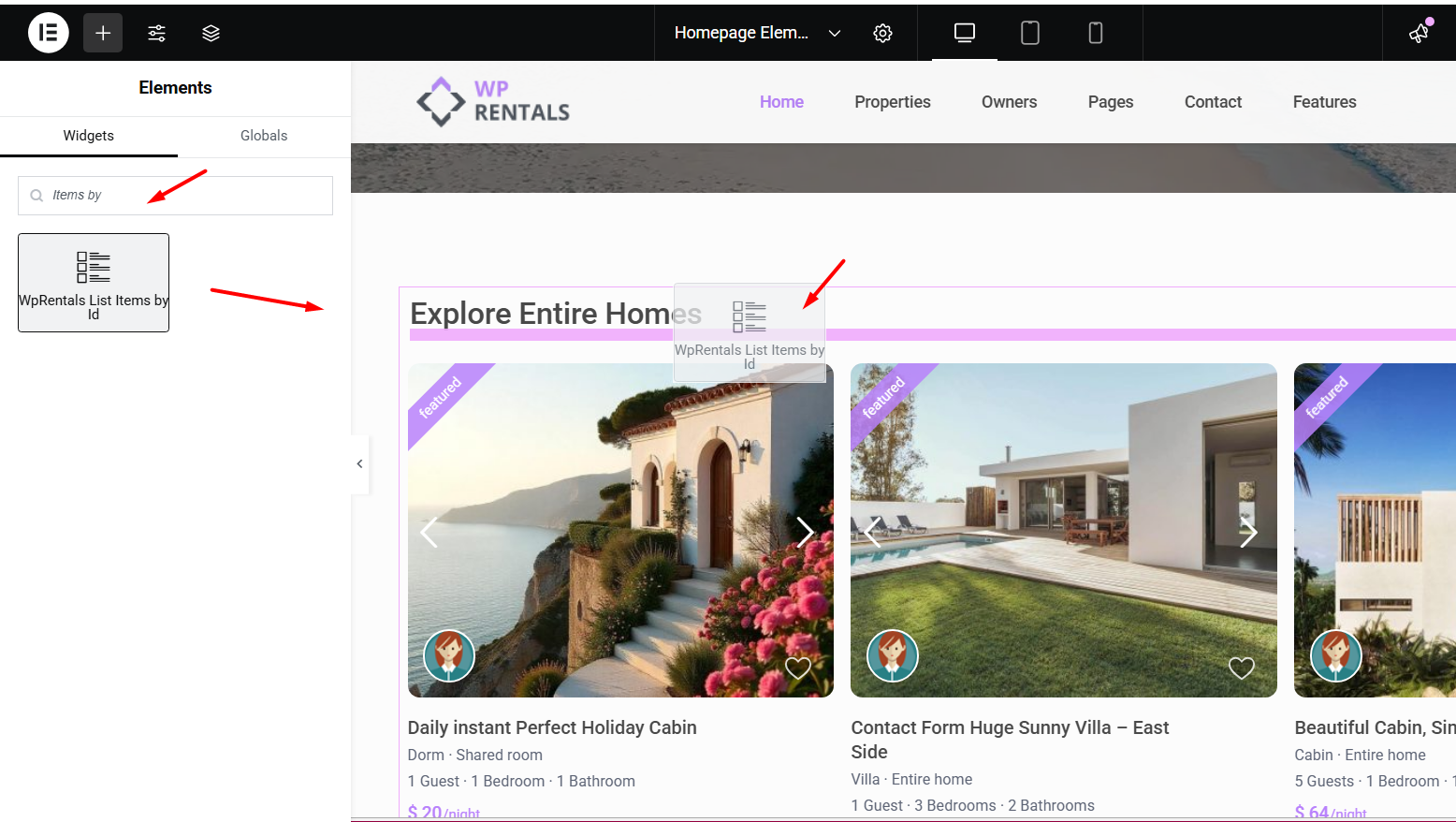
In the Elementor sidebar, search for “WpRentals List Items by ID”.
-
Find the widget and drag it into the section where you want the grid to appear.
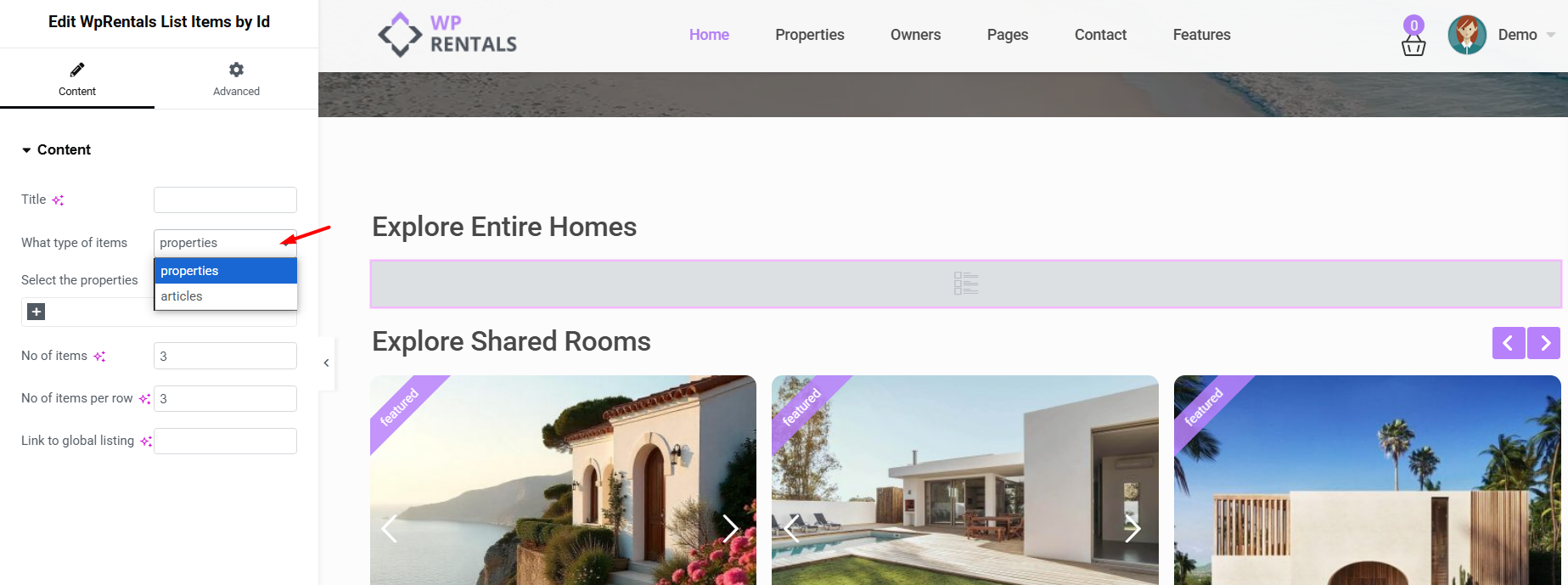
- Type: Choose whether you want to display Properties or Articles.
-
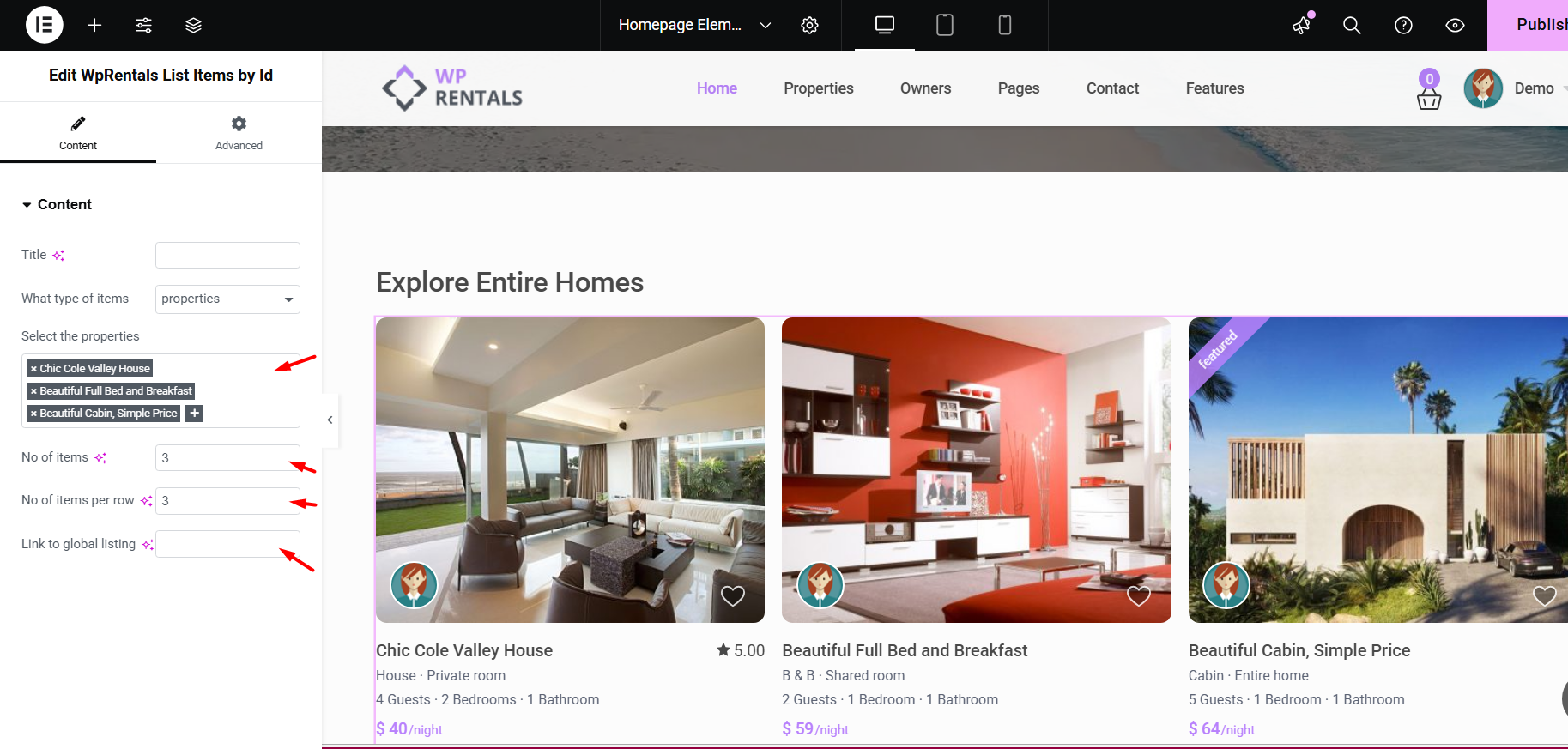
Select Listings/Articles: Use the auto-complete or dropdown list to select the specific items you want to show.
-
Number of Items: Choose how many total items to display.
-
Items per Row: Select how many items to show in a single row (e.g., 3 or 4).
- Link to Global Listing/Blog Page (optional): Add a link to your full list of properties or articles.
Styling and Display
- The design of the Listing Card Unit syncs with the settings applied in Theme Options -> Listing Card Design
- The design of the Blog Card Unit syncs with the settings Theme Options -> Blog Card Settings
How to Use the Categories List in WPBakery
-
Edit the Page with WPBakery
-
Go to Pages → Edit the page where you want to add the list.
-
Click “Edit with WPBakery Page Builder.”
-
-
Add the “Categories List” Element
-
Click the “+” Add Element button.
-
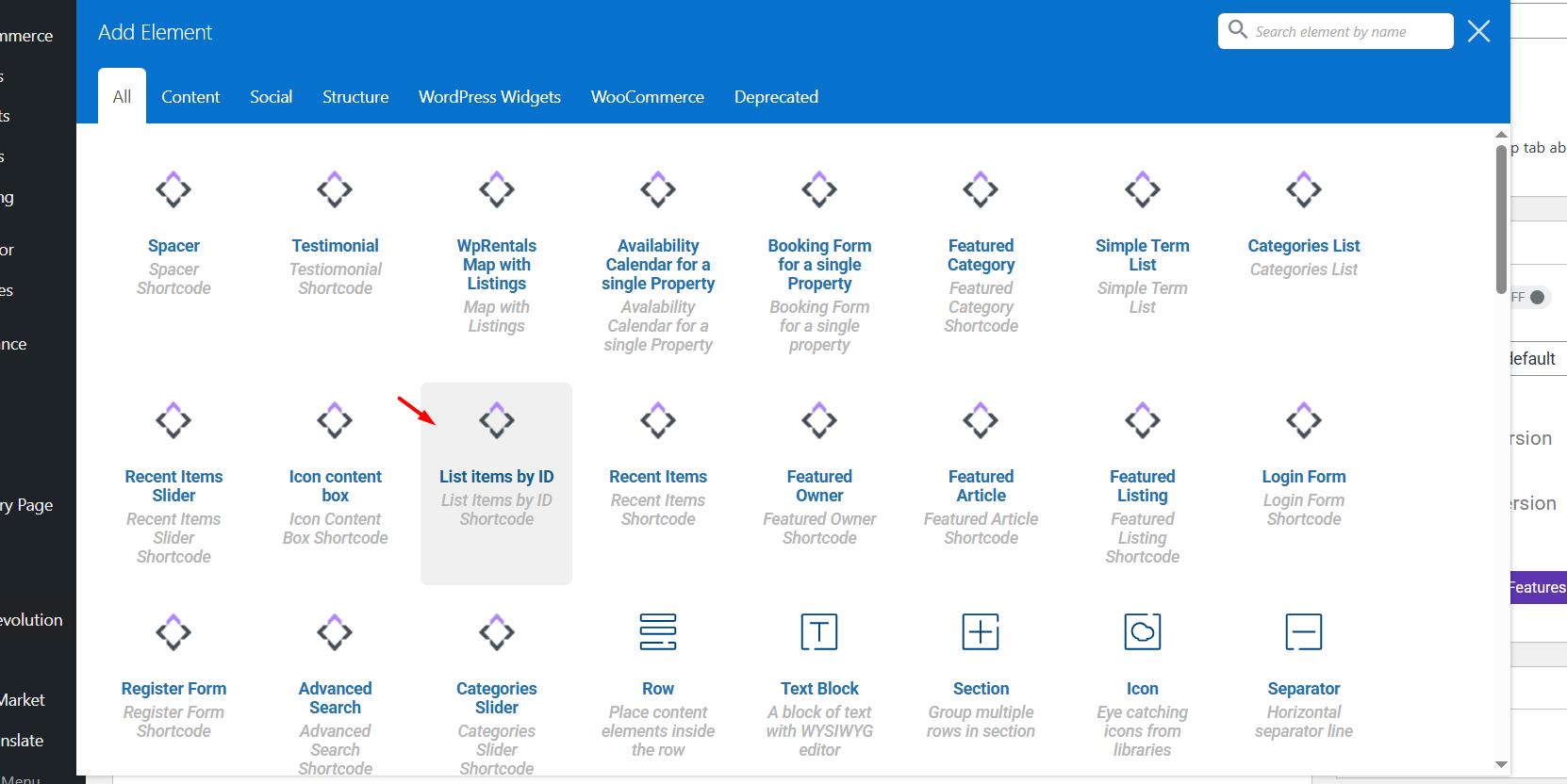
In the popup, search for “List Items by ID”.
-
Click to insert it into the page.
-
Find the IDs of the properties you wish to list.
Add the post IDs for properties or for blog posts, separated by a comma and select the other shortcode options: how many listings per row, how many listings in total (total items must match total ids)