WPRentals Theme Documentation WPRentals Theme Documentation

  • Client Support
  • Video Tutorials
  • WpRentals
  • WpEstate
  • API
Home / Owner & Renter, WP Rentals Theme Options / How to protect Id Scan uploaded by user

How to protect Id Scan uploaded by user

8578 views

Starting with 2.1 theme version images URL uploaded to verify users can be seen using its url only by site administrator as it is attached as private image. Also it is no longer indexed by search engines.

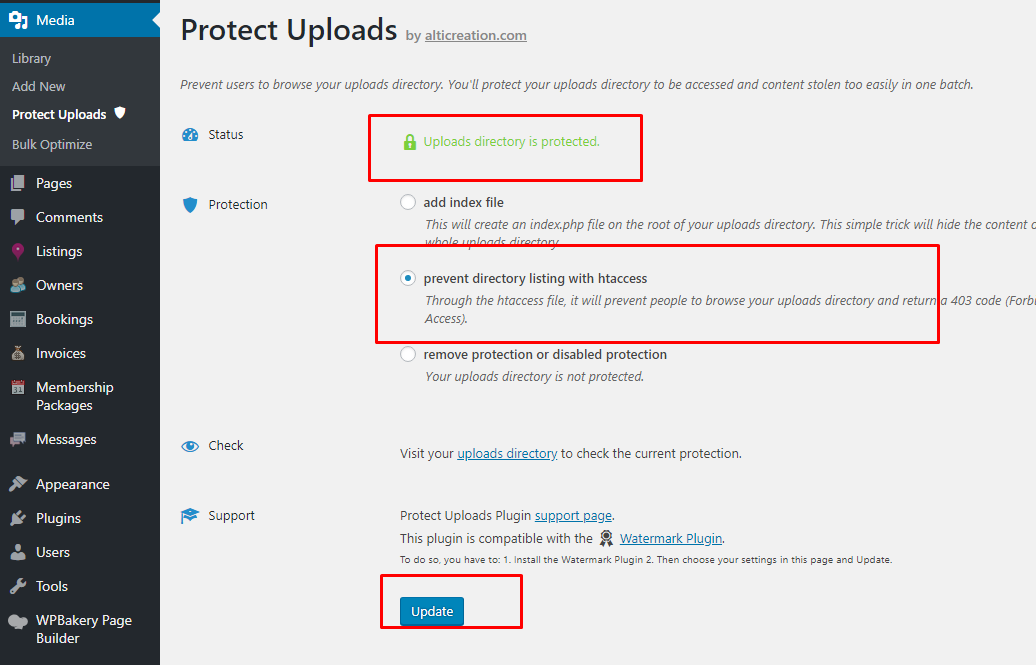
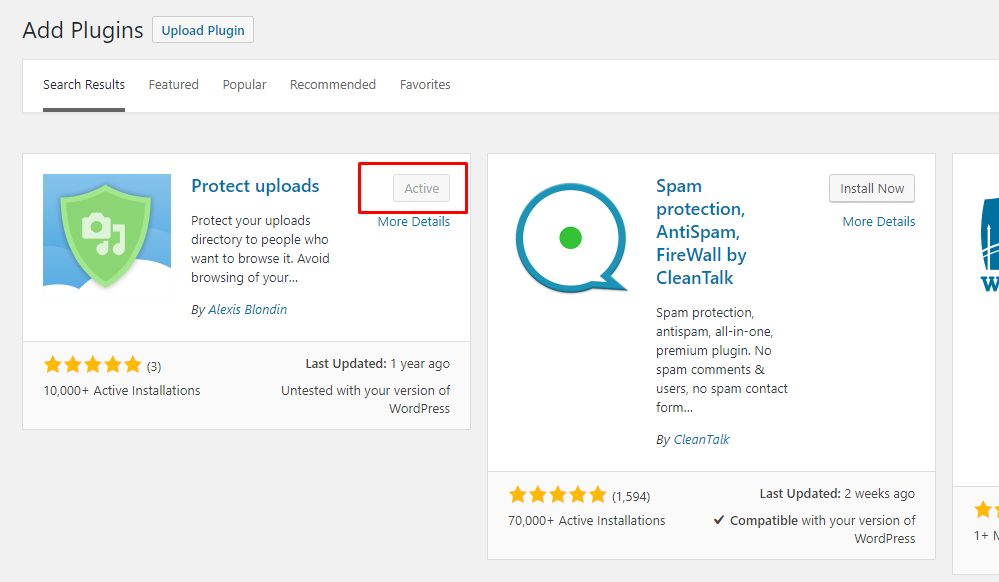
Also, you can protect upload directories using Protect Uploads plugin.

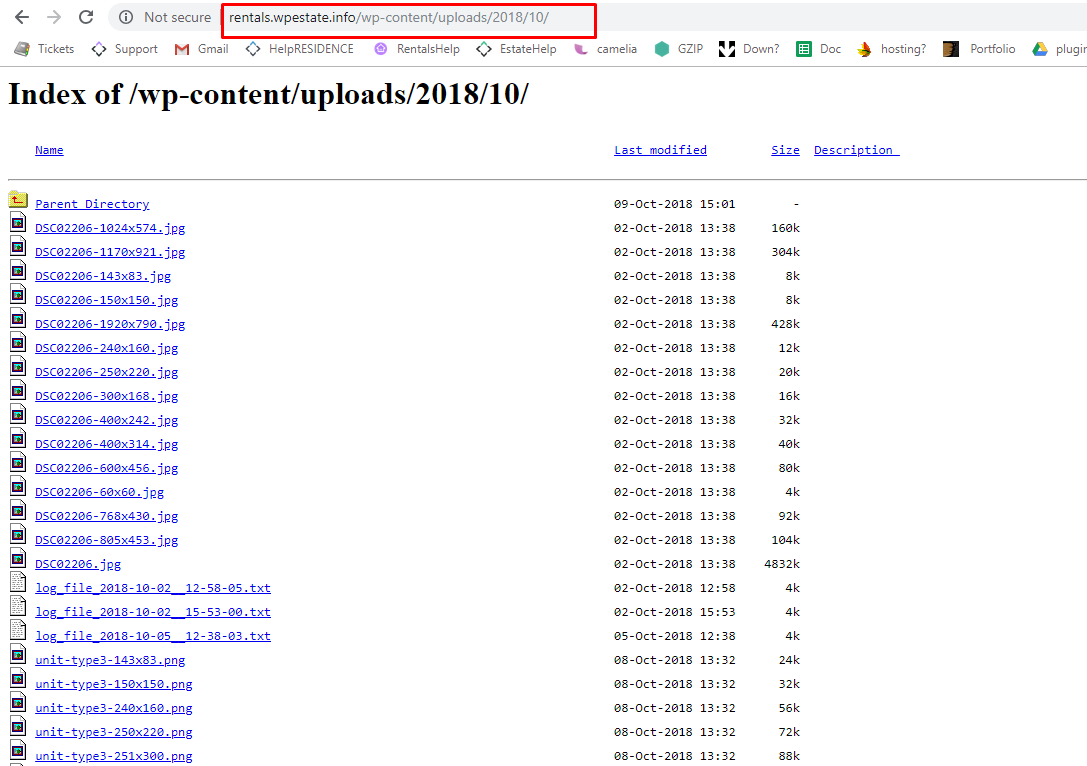
Before the plugin install:
After the plugin install:
Help for how Verify Owner feature works: https://help.wprentals.org/article/1-20-5-verify-owner/


Owner & RenterWP Rentals Theme Options

Related Articles

  • How to Add and Sync Owners from the WordPress Admin in WPRentals
  • Owner Profile Page
  • White-Label WPRentals with Your Brand
  • Theme Options -> General -> Orphan Listings

HELP CATEGORIES

  • 71. General
  • 102. Installation & Basic Setup
  • 393. How Booking Works
  • 20Advanced Search
  • 18Elementor Free & WP Rentals Studio
  • 13Email Notifications
  • 12FAQ
  • 14Installation FAQ
  • 10Menu Options
  • 27Multi-Languages - 3rd party
  • 33Owner & Renter
  • 9Page Templates
  • 23Property / Listing
  • 22Shortcodes
  • 4Supported Maps
  • 98Technical how to
  • 5Third Party plugins
  • 3Translation
  • 3WordPress Blog Post
  • 13WordPress Widgets
  • 13WP Rentals Payments
  • 79WP Rentals Theme Options

Join Us On

Powered by WP Estate - All Rights Reserved
  • Client Support
  • Video Tutorials
  • WpRentals
  • WpEstate
  • API