
The idea is to change the property status into pending everytime someone make an edit. There may be a “logistic” problem since there are 7 separate functions that edit a property and you will have to add code in each of these function:
-> for description – function is wpestate_ajax_update_listing_description
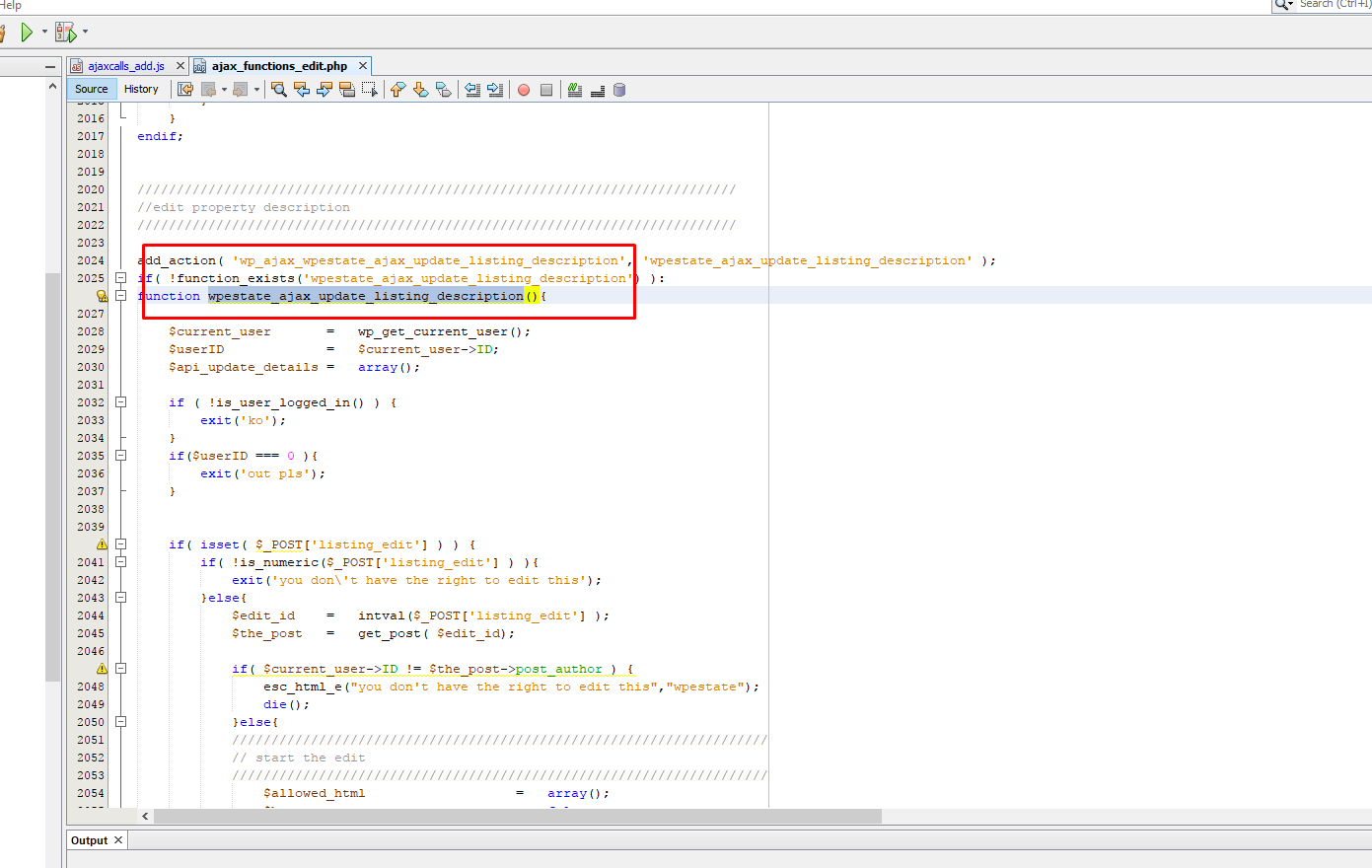
add this code
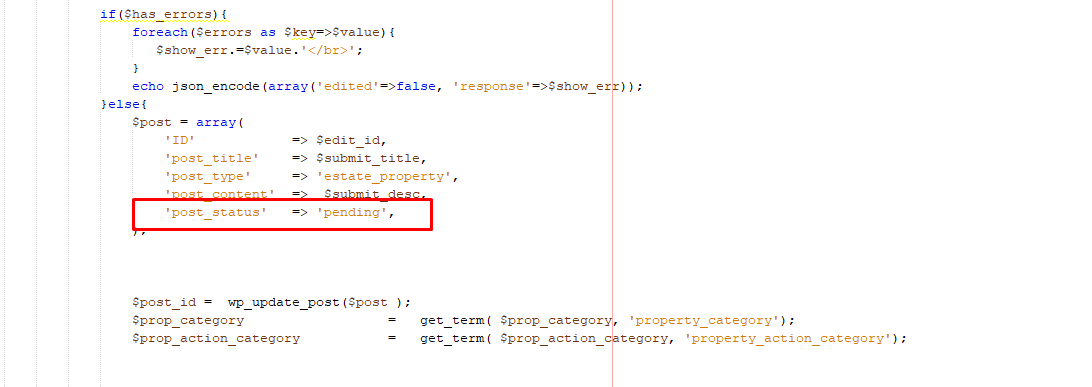
- for price – function is wpestate_ajax_update_listing_price
- for media – function is wpestate_ajax_update_listing_images
- for details function is wpestate_ajax_update_listing_details
- for location function is wpestate_ajax_update_listing_location
- for ammenities and features function is wpestate_ajax_update_listing_ammenities
- for calendar function is wpestate_ajax_update_ical_feed
and you need to add this code
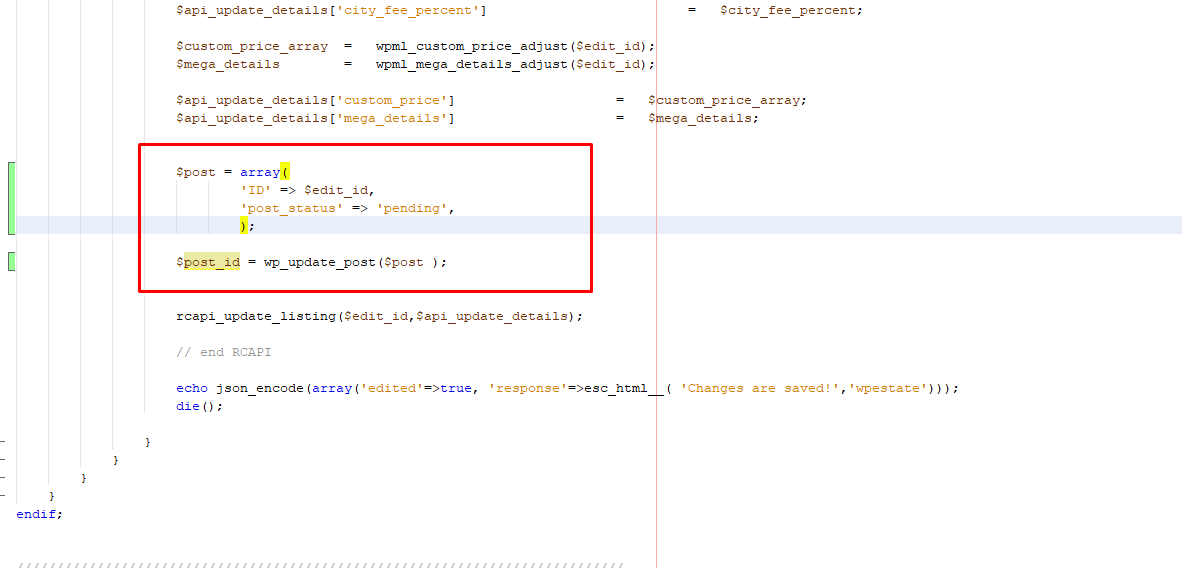
$post = array(
'ID' => $edit_id,
'post_status' => 'pending',
);
$post_id = wp_update_post($post );
After these changes are done every time a user do a change in a property the status will be set to pending and you will have to approve the property again.
To get the email must remove comments for listing_edit email in wp-content\plugins\wprentals-core\misc\emailfunctions.php from wpestate_email_management function
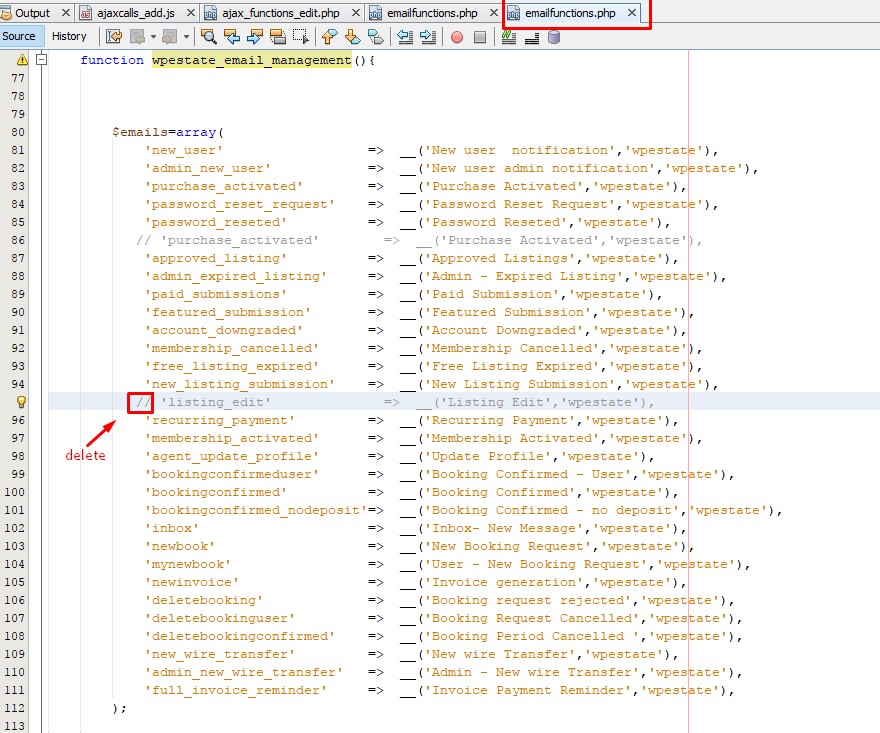
and from function wpestate_emails_extra_details

Add function wpestate_select_email_type in function wpestate_ajax_update_listing_description from ajax_functions_edit.php as displayed on below screenshot:
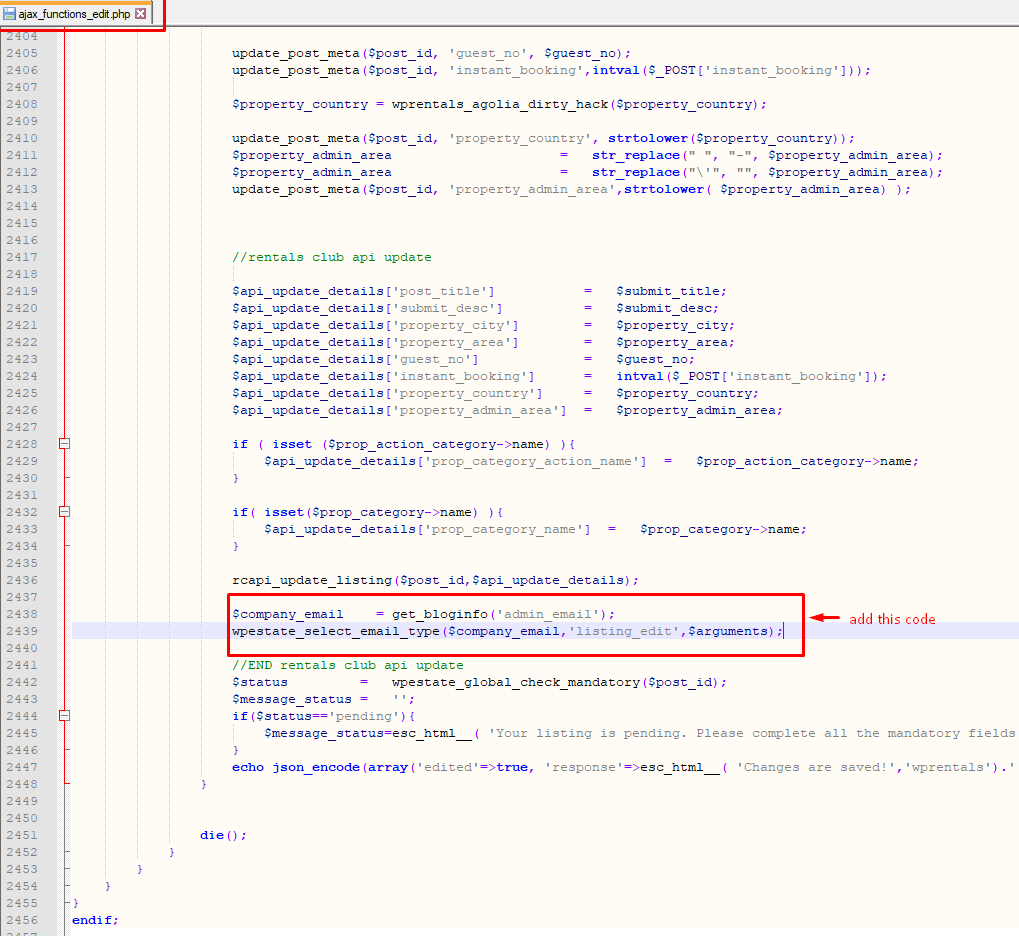
$company_email    = get_bloginfo('admin_email');
wpestate_select_email_type($company_email,'listing_edit',$arguments);